
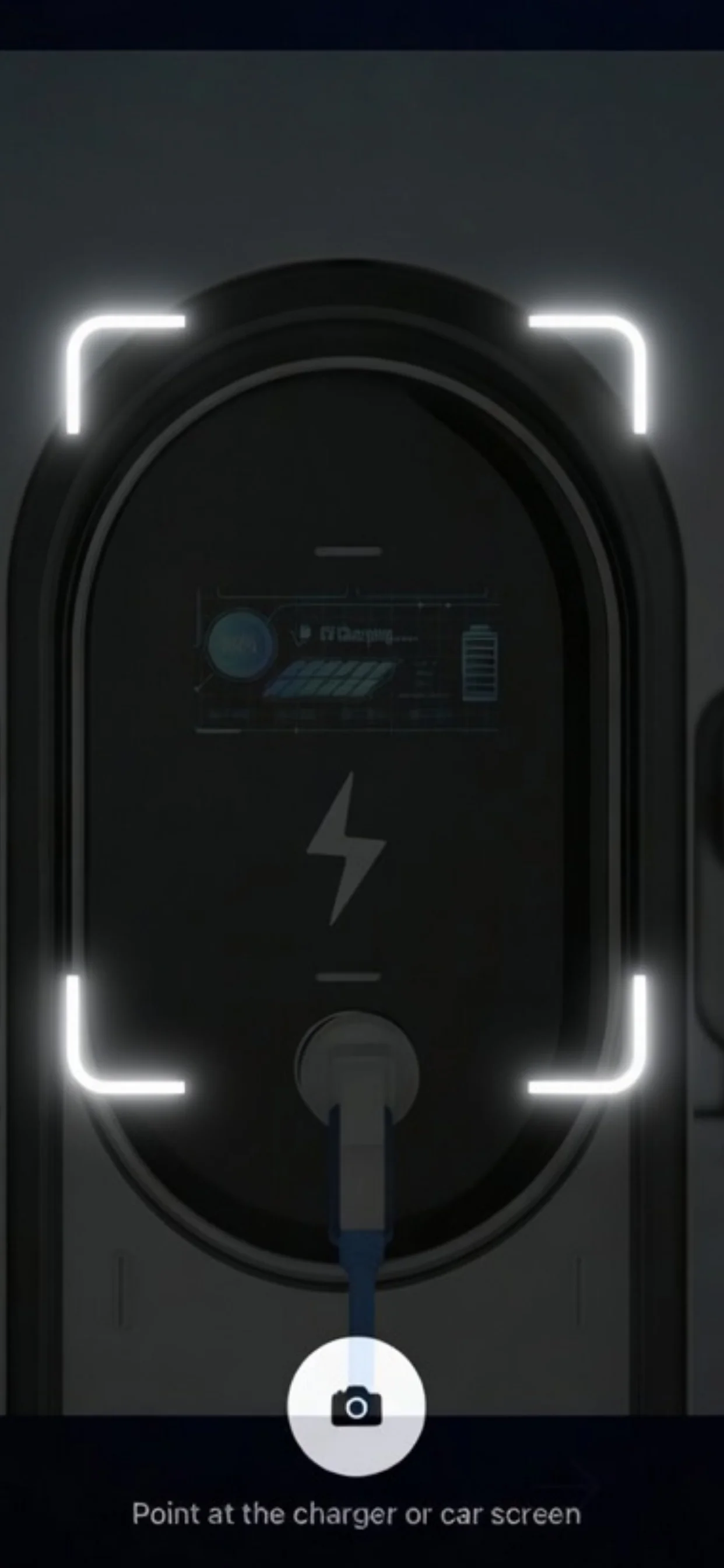
Point your phone at the charger. Get instant help.
Confusing error code? Foreign language? Not sure what the screen wants you to do? EVcourse tries to explain what it means and what to do next.
The problem
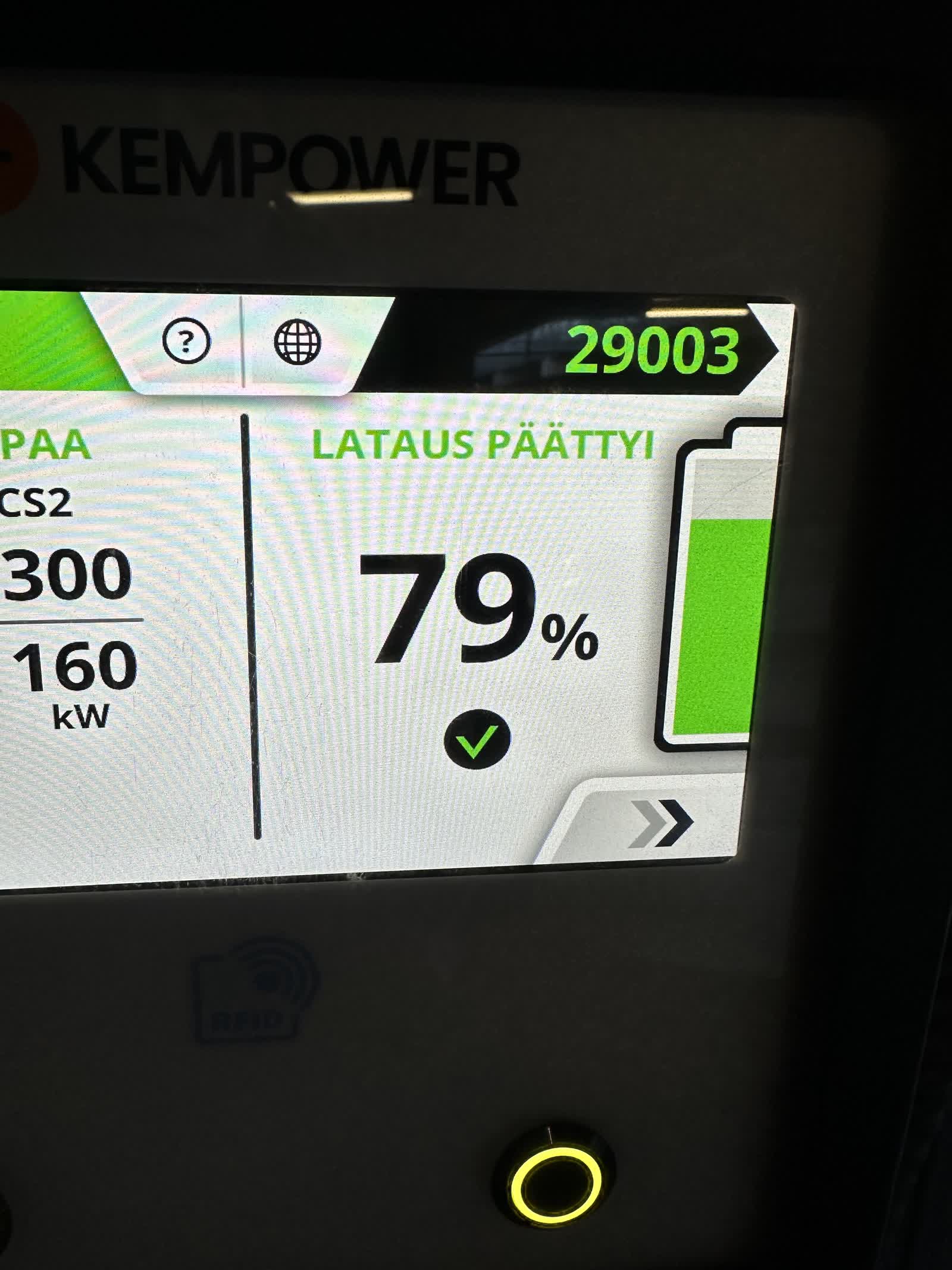
Public charging feels easy until the screen asks you to do something you do not understand. An error code. A menu in another language. A payment flow you have never seen before. A status message that could mean almost anything.
You Google it. The results are generic. You call the network's support line. You wait. Meanwhile your car is not charging and you need to be somewhere.
This is especially frustrating if it is your first public charge, you are driving a company car, you are charging abroad, or you are helping someone else from a photo. The hard part is often not the car. It is the screen in front of you.
What it does
The scanner is built into the EVcourse app. Point your phone at any charger or car screen. The app reads the text on your phone, tries to explain what it means, and gives you practical next steps.
Any charger brand. Any language. Error codes, payment screens, status messages, warnings. Add your car for personalized help when the advice depends on your model.
It is built for the moment when charging stops feeling simple and you want a fast, private answer without guessing.
How it works
Point
Open the app and point your camera at the charger or car screen.
Read
The app reads the text on the screen. Expert knowledge and AI work together to try to explain what you are looking at.
Fix
You get a plain-language explanation and step-by-step instructions.
Private by design
Your photos never leave your phone. The scanner reads the screen right on your device. No images are uploaded or stored. Ever.
You can use the app without the scanner. Camera permission can be revoked at any time. Troubleshooting guides work offline. The scanner needs a connection.
When it helps most
First public charge
You know how to drive the car. The charger is the unfamiliar part.
Company electric car
You got the car, but not always a clear explanation of public charging.
Charging abroad or in a rental
Different languages, payment flows, and charger brands make simple stops harder.
Car dashboard messages
Understand charging speed, battery messages, and other dashboard screens that are easy to misread.
When a charger or car screen makes no sense
Error messages, payment screens, slow charging, cable issues, and the moments where you just want the next step.
Why this matters
Most people do not need another charger map. They need help with the screen in front of them. The charger assumes you already know the process. Often you do not.
That is why EVcourse focuses on the moment after you arrive. The confusing menu. The unfamiliar error. The foreign-language payment flow. The car message you have never seen before.
The goal is simple: make public charging feel less stressful, more understandable, and easier to recover from when something does not go to plan.
Analyze a photo
Not there in person? A photo works too. Someone sends you a charger photo, you analyze it in the app and send back the answer.
Helpful for company cars, colleagues, family members, and anyone stuck at a charger.
This is NOT a course.
No lessons. No videos. No homework. EVcourse is a charging help app. Scan the screen, get the answer. That's it.
Try it the next time a charger screen makes no sense.
Point your phone at the screen, see what it means, and get help with the next step. Free to try on iOS.
Free to try on iOS. Android coming soon.