
Team features for EVcourse
Team features, available on request
Your team logs charging feedback together in the app. You see which problems come up most. Available on request for business customers.
EVcourse™
Team Overview
Charging feedback
232 sessions logged
124
Good
67
Okay
41
Bad
Most reported problems
The scanner helps each person at the charger
Scan results stay private. The scanner is a personal tool that helps each person understand confusing charger screens. After charging, they log how it went: good, okay, or bad, plus the reason and which network they used. That feedback is what the team sees.
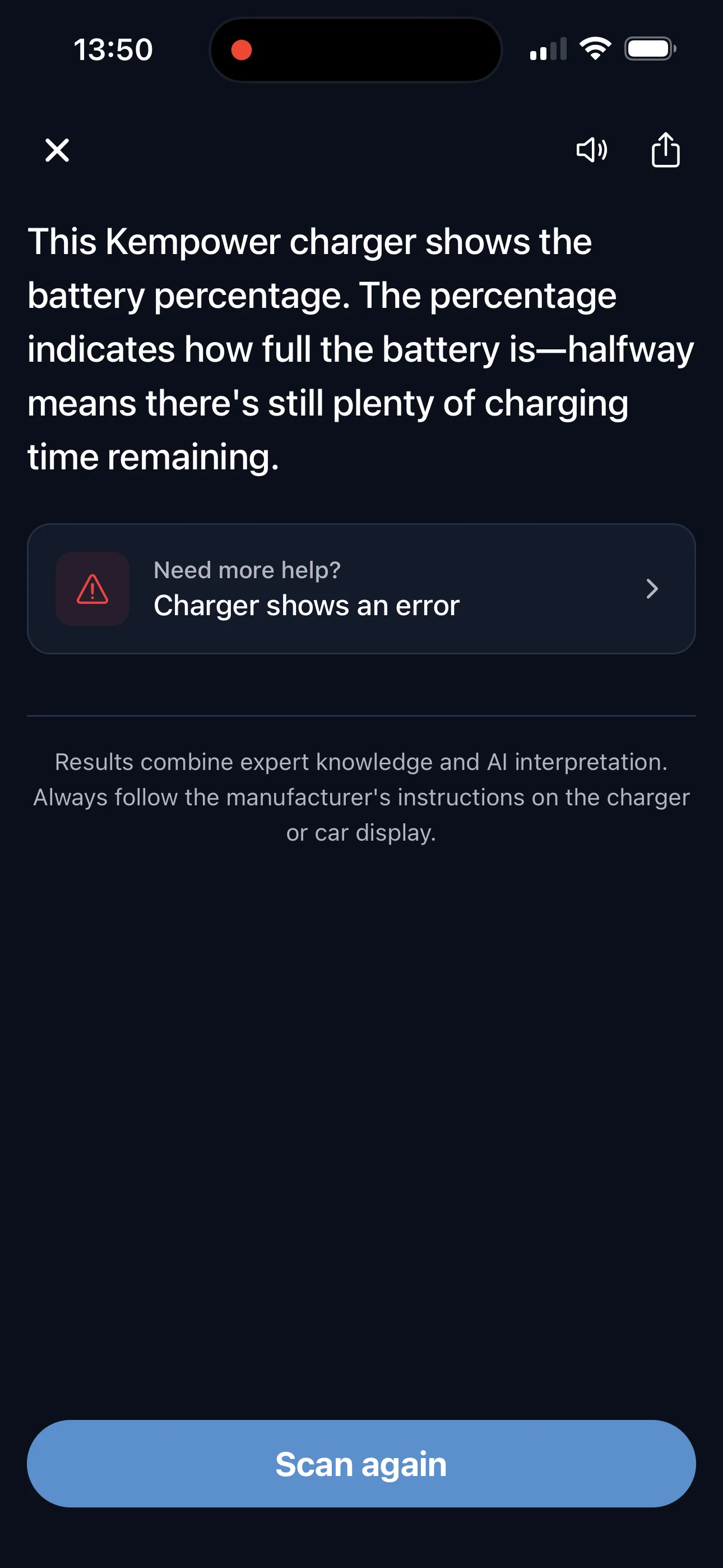
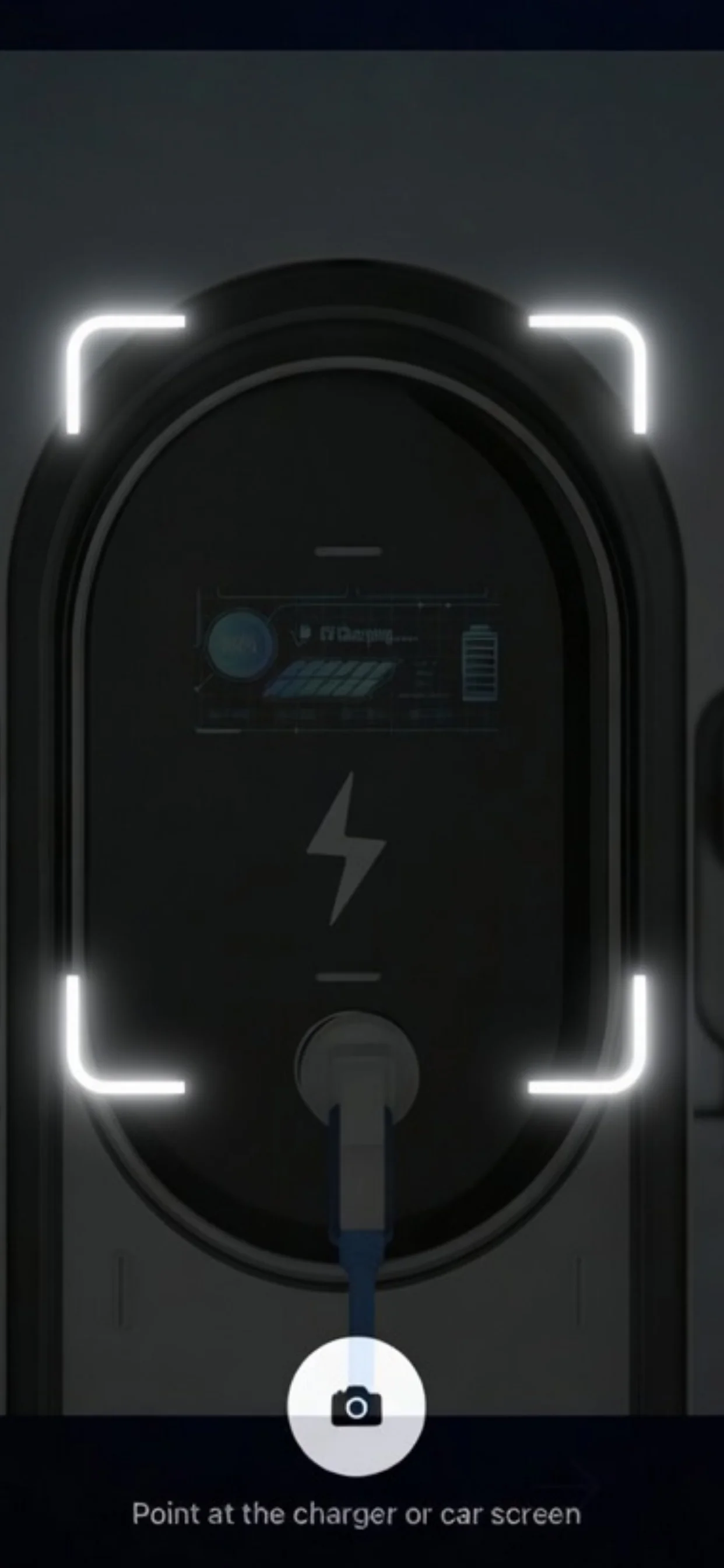
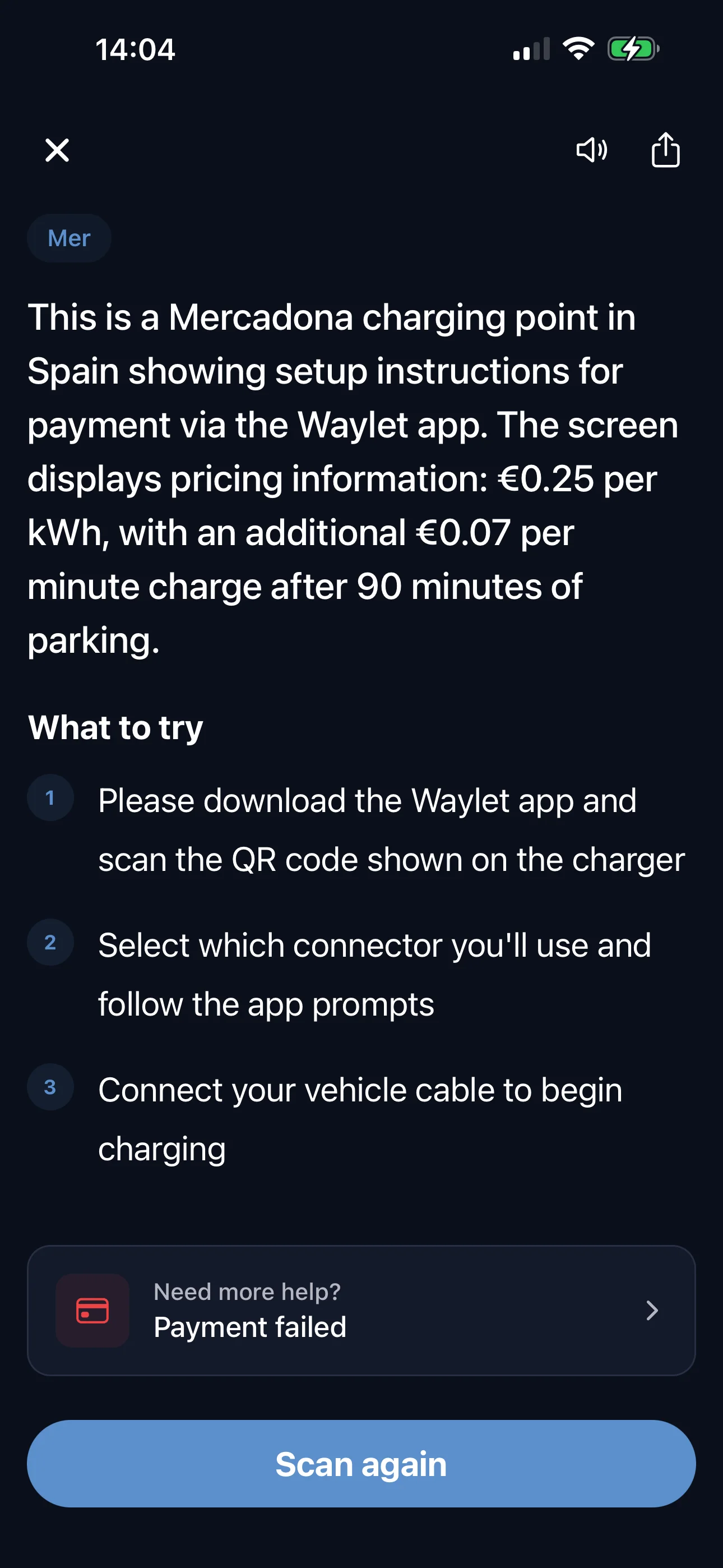
Real scan results from the app. Scanner available on iOS.
How it works
What each person does
- 1
Download EVcourse
Free to try on iOS.
- 2
Scan and log every charge
Scan confusing screens for instant help. After each session, tap good, okay, or bad. 1-2 taps.
What you see as a team
- 3
Invite your team
Share a team code with your colleagues. Everyone who joins shares their charging feedback with the team.
- 4
See which problems come up most
You see the patterns: how each charge went, what went wrong, and which problems keep coming back.
Enable team features
Everyone on your team logs how each charge goes. You see which problems come up most and whether the same issues keep happening.
Email us to enable team featuresfinn@evcourse.com. We reply within one business day.
Available on iOS. Android coming soon.
Don't understand the screen? Scan it.
Point your phone at any charger or car screen for instant help. Any brand, any language. Free to try on iOS.
Free to try on iOS. Android coming soon. Join the Android waitlist.